您现在的位置是:首页 >技术交流 >js节流和防抖函数网站首页技术交流
js节流和防抖函数
简介js节流和防抖函数
// utils.js
// 防抖函数
export function debounce(func, delay) {
    let timer;
    return function() {
        const context = this;
        const args = arguments;
        clearTimeout(timer);
        timer = setTimeout(() => {
            func.apply(context, args);
        }, delay);
    };
}

// 节流函数
export function throttle(func, delay) {
    let lastTime = 0;
    return function() {
        const context = this;
        const args = arguments;
        const now = new Date().getTime();
        if (now - lastTime >= delay) {
            func.apply(context, args);
            lastTime = now;
        }
    };
}在main.js中挂载到 Vue 原型:
import Vue from 'vue';
import { debounce, throttle } from './utils';

// 将防抖函数挂载到Vue原型
Vue.prototype.$debounce = debounce;
// 将节流函数挂载到Vue原型
Vue.prototype.$throttle = throttle;

import App from './App.vue';

Vue.config.productionTip = false;

new Vue({
    render: h => h(App),
}).$mount('#app');
在 Vue 组件中使用:
<template>
    <div>
        <input type="text" @input="handleInput">
        <button @click="handleClick">点击</button>
    </div>
</template>

<script>
export default {
    methods: {
        handleInput() {
            // 使用防抖函数
            this.$debounce(this.doSearch, 500)();
        },
        doSearch() {
            console.log('执行搜索操作');
        },
        handleClick() {
            // 使用节流函数
            this.$throttle(this.doSomething, 1000)();
        },
        doSomething() {
            console.log('执行一些操作');
        }
    }
};
</script>
风语者!平时喜欢研究各种技术,目前在从事后端开发工作,热爱生活、热爱工作。




站长推荐
- QT多线程的5种用法,通过使用线程解决UI主界面的耗时操作代码,防止界面卡死。
 QT多线程的5种用法,通过使用线程解决UI主界面的耗时操作代码,防止界面卡死。...
 - U8W/U8W-Mini使用与常见问题解决
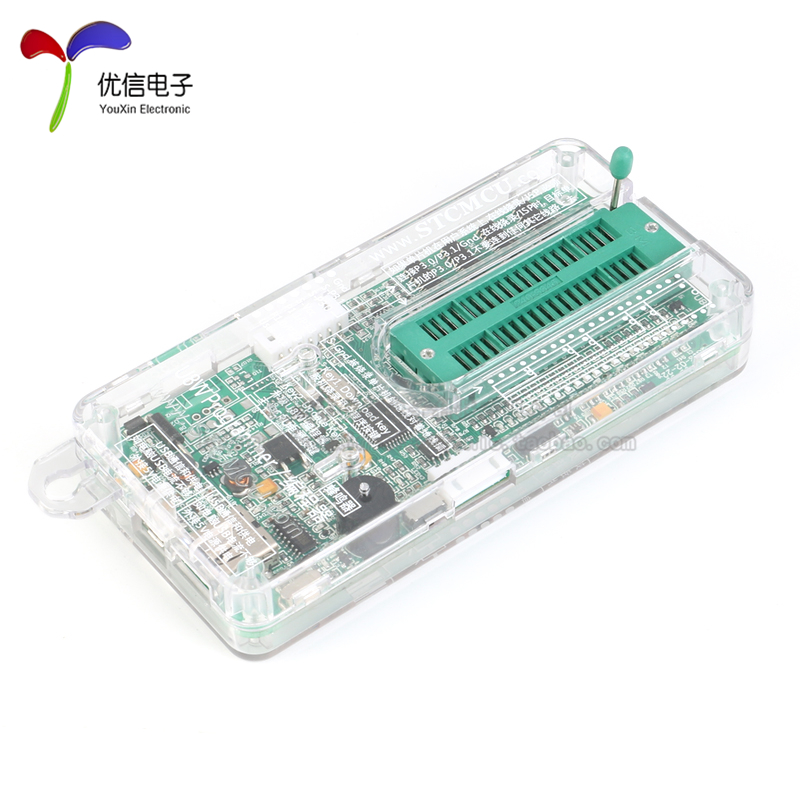 U8W/U8W-Mini使用与常见问题解决
 - stm32使用HAL库配置串口中断收发数据(保姆级教程)
 stm32使用HAL库配置串口中断收发数据(保姆级教程)
 - 分享几个国内免费的ChatGPT镜像网址(亲测有效)
 分享几个国内免费的ChatGPT镜像网址(亲测有效)
 - Allegro16.6差分等长设置及走线总结
 Allegro16.6差分等长设置及走线总结