您现在的位置是:首页 >其他 >部署Grounded-SAM时报错cuda version(11.8)mismatches the version that was used to compile PyTorch(12.1)网站首页其他
部署Grounded-SAM时报错cuda version(11.8)mismatches the version that was used to compile PyTorch(12.1)
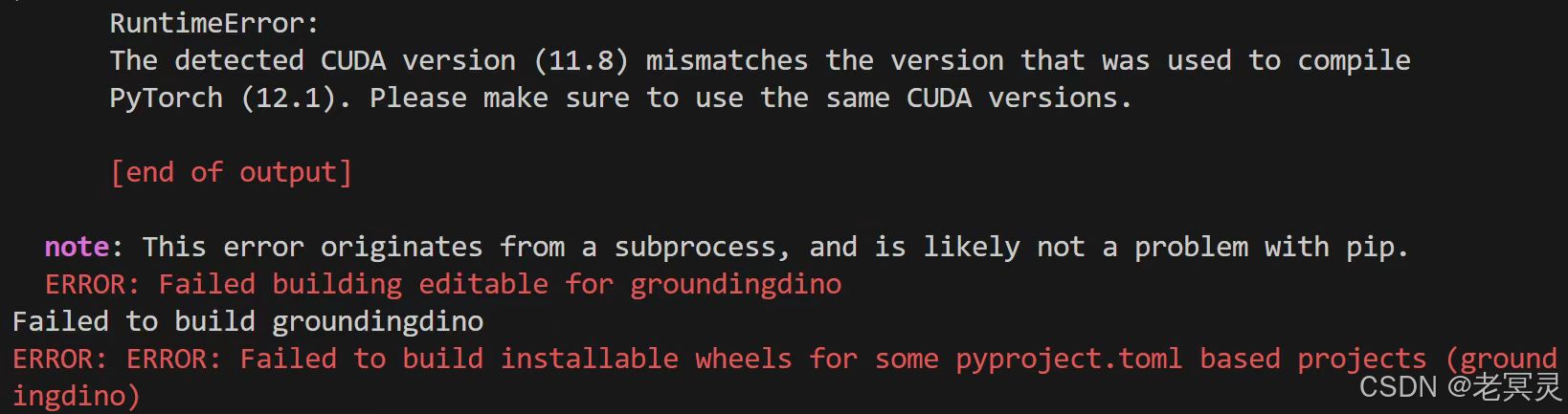
在部署Grounded-Segment-Anything的时候,安装GroundingDINO,在终端运行下述语句后出现报错
python -m pip install -e GroundingDINO
RuntimeErrorThe detected cuDA version (11.8)mismatches the version that was used to compilePyTorch(12.1).Please make sure to use the same CUDA versions.
[end of output]
note: This error originates from a subprocess, and is likely not a problem with pip.
ERROR: Failed building editable for groundingdinoFailed to build groundingdino
ERROR: ERROR: Failed to build installable wheels for some pyproject.toml based projects (groundingdino)
如果安装的pytorch版本和自己设备的CUDA版本对应(参考这篇博客)
但还是报错的话,可能问题就在于没有运行这三个语句,或者路径设置不对。运行这三个语句:
export AM_I_DOCKER=False
export BUILD_WITH_CUDA=True
export CUDA_HOME=/usr/local/cuda-11.8
第三个语句中,CUDA_HOME填写自己设备上的CUDA 安装路径。安装路径可以这样查询
ls /usr/local | grep cuda这会列出/usr/local目录下所有与 CUDA 相关的文件夹,其中应包括cuda-11.8或类似的目录,这取决于你的设备上CUDA是什么版本。我的是11.8,所以我就把路径写成
CUDA_HOME=/usr/local/cuda-11.8运行完这三个语句之后,再运行安装语句,就可以正常安装。
pip install --no-build-isolation -e GroundingDINO
详细的部署步骤和细节,可以参考这两篇博客:
huggingface学习|云服务器部署Grounded-Segment-Anything:bug总会一个一个一个一个又一个的解决的-CSDN博客
Grounded Segment Anything环境配置_grounded-segment-anything环境安装-CSDN博客





站长推荐
- QT多线程的5种用法,通过使用线程解决UI主界面的耗时操作代码,防止界面卡死。
 QT多线程的5种用法,通过使用线程解决UI主界面的耗时操作代码,防止界面卡死。...
 - U8W/U8W-Mini使用与常见问题解决
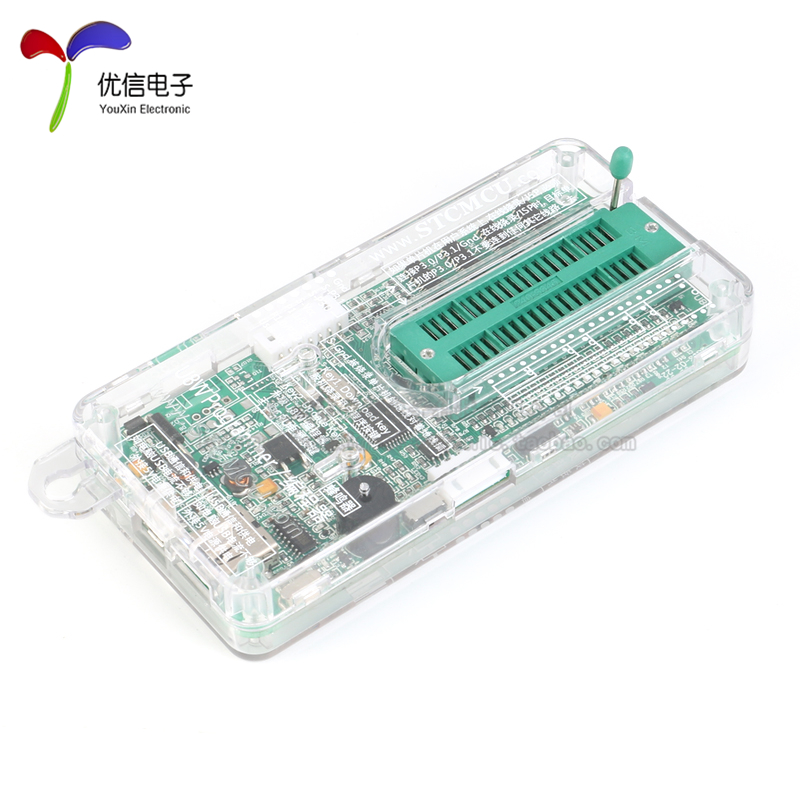 U8W/U8W-Mini使用与常见问题解决
 - stm32使用HAL库配置串口中断收发数据(保姆级教程)
 stm32使用HAL库配置串口中断收发数据(保姆级教程)
 - 分享几个国内免费的ChatGPT镜像网址(亲测有效)
 分享几个国内免费的ChatGPT镜像网址(亲测有效)
 - Allegro16.6差分等长设置及走线总结
 Allegro16.6差分等长设置及走线总结