您现在的位置是:首页 >技术教程 >SpringBoot集成swagger+knife4jUI网站首页技术教程
SpringBoot集成swagger+knife4jUI
简介SpringBoot集成swagger+knife4jUI
不讲废话,直接开干!
一、依赖:
<!-- OpenApi(swagger+knife4j)-->
        <dependency>
            <groupId>io.springfox</groupId>
            <artifactId>springfox-boot-starter</artifactId>
            <version>3.0.0</version>
        </dependency>
        <dependency>
            <groupId>com.github.xiaoymin</groupId>
            <artifactId>knife4j-spring-boot-starter</artifactId>
            <version>3.0.3</version>
        </dependency>
二、配置类:
@Configuration
@Profile("!prod")
public class ApiConfig {

	//controller类的路径
    private static final String V1_BASE_PACKAGE = "com.xx.controller";

    private String TITLE = "API标题";
    private String DESC = "API描述";
    private String VERSION = "版本";
    private String NAME = "API名称";
    private String URL = "///";
    private String EMAIL = "///";
    private String GROUP_NAME = "分组名称,可用于区分版本V1或者V2";

    @Bean
    public Docket api() {
        //全局响应状态码,可自定义,这边可以读取状态码枚举
        List<Response> responseMessageList = new ArrayList<>();
        Arrays.stream(ResultCodeEnum.values()).forEach(e -> {
            responseMessageList.add( new ResponseBuilder().code(String.valueOf(e.getCode())).description(e.getMsg()).build());
        });
        Docket docket = new Docket(DocumentationType.SWAGGER_2).apiInfo(apiInfo())
                .groupName(GROUP_NAME)
                .apiInfo(apiInfo())
                .globalResponses(HttpMethod.POST, responseMessageList)
                .globalResponses(HttpMethod.PUT, responseMessageList)
                .globalResponses(HttpMethod.GET, responseMessageList)
                .globalResponses(HttpMethod.DELETE, responseMessageList)
                .useDefaultResponseMessages(false)
                .enable(true)
                .select()
                // 这里指定Controller扫描包路径
                .apis(RequestHandlerSelectors.basePackage(V1_BASE_PACKAGE))
                //也可指定扫描注解
                //.apis(RequestHandlerSelectors.withMethodAnnotation(ApiOperation.class))
                .paths(PathSelectors.any()).build();
        return docket;
    }

    private ApiInfo apiInfo() {
        return new ApiInfoBuilder()
                .title(TITLE)
                .description(DESC)
                .version(VERSION)
                .contact(new Contact(NAME, URL, EMAIL))
                .build();
    }
}
三、配置白名单:
@Configuration
public class WebAppMvcConfig implements WebMvcConfigurer {

    @Override
    public void addResourceHandlers(ResourceHandlerRegistry registry) {
        //放行swagger访问
        registry.addResourceHandler("doc.html").addResourceLocations("classpath:/META-INF/resources/");
    }
}
四:访问地址:
http://localhost:port/doc.html
五:更多配置:
springdoc:
  api-docs:
  	#是否启用访问,默认为true
    enabled: true
  swagger-ui:
  	#访问路径,
    path: /xxx
六、常用API注解:
@Api(tags = "controller的模块组,通常置于controler类上")
@ApiOperation(value = "接口名", httpMethod = "POST")
@ApiParam(value = "参数说明")
@ApiModel(value = "对象名称", description = "描述")
@ApiModelProperty(name = "对象字段名称", value = "描述值")
风语者!平时喜欢研究各种技术,目前在从事后端开发工作,热爱生活、热爱工作。




站长推荐
- QT多线程的5种用法,通过使用线程解决UI主界面的耗时操作代码,防止界面卡死。
 QT多线程的5种用法,通过使用线程解决UI主界面的耗时操作代码,防止界面卡死。...
 - U8W/U8W-Mini使用与常见问题解决
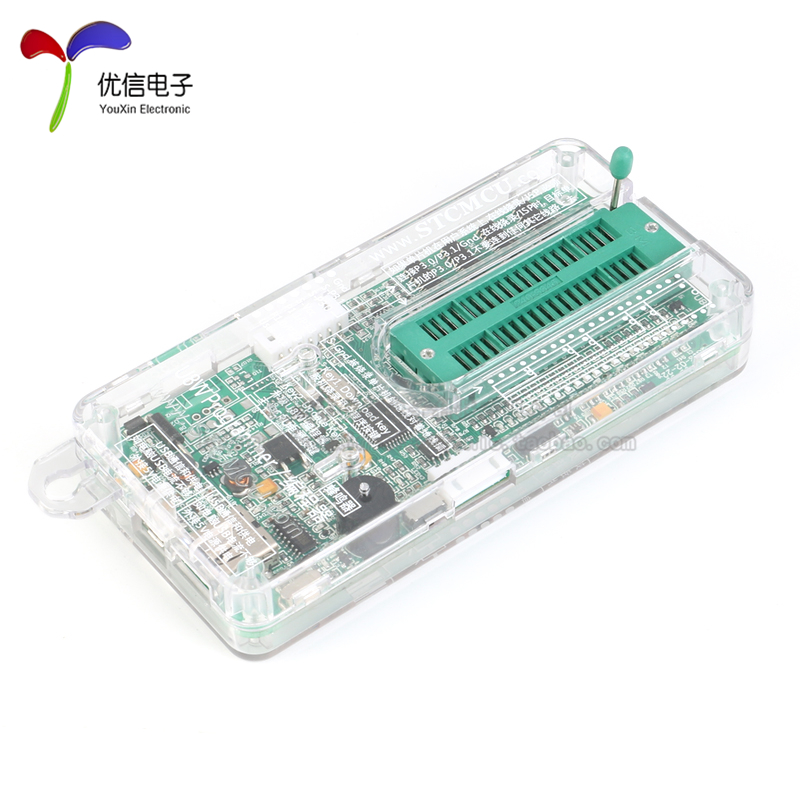 U8W/U8W-Mini使用与常见问题解决
 - stm32使用HAL库配置串口中断收发数据(保姆级教程)
 stm32使用HAL库配置串口中断收发数据(保姆级教程)
 - 分享几个国内免费的ChatGPT镜像网址(亲测有效)
 分享几个国内免费的ChatGPT镜像网址(亲测有效)
 - Allegro16.6差分等长设置及走线总结
 Allegro16.6差分等长设置及走线总结