您现在的位置是:首页 >技术杂谈 >php+nginx+豆包(deepseek、kimi等AI)实现流式输出的对话效果网站首页技术杂谈
php+nginx+豆包(deepseek、kimi等AI)实现流式输出的对话效果
简介php+nginx+豆包(deepseek、kimi等AI)实现流式输出的对话效果
下面为你详细介绍如何使用 PHP、Nginx 、豆包AI,来实现流式输出,这里的流式输出以模拟 AI 逐步返回内容的场景为例,就像豆包回复消息时那样逐步呈现内容。(其他AI平台只需要更换对应的接口代码,流式输出大同小异)
以下代码仅在nginx上实现,至于apache环境还需深入研究为什么不能达到流式输出。

方案一:独立的php文件,不依赖任何框架
<?php
if (empty($_POST) && empty($_GET)) {
?>
    <!DOCTYPE html>
    <html>
    <head>
        <title>豆包AI流式对话</title>
        <meta http-equiv="Content-Type" content="text/html; charset=utf-8" />
    </head>
    <body>
        <div>
            <input type="text" id="inputText" placeholder="输入你的问题">
            <button onclick="startStream()">发送</button>
        </div>
        <div id="output" style="white-space: pre-wrap; margin-top: 20px;"></div>

        <script>
            let outputDiv = document.getElementById('output');

            function startStream() {
                const inputText = document.getElementById('inputText').value;
                outputDiv.innerHTML = ''; // 清空之前的输出

                const eventSource = new EventSource('http://域名/Chat.php?text=' + encodeURIComponent(inputText));

                eventSource.onmessage = function(e) {
                    try {
                        const data = JSON.parse(e.data);
                        console.log(data.content)
                        outputDiv.innerHTML += data.content; // 实时追加内容
                    } catch (err) {
                        console.error('解析错误:', err);
                    }
                };

                eventSource.onerror = function(err) {
                    console.error('EventSource 错误:', err);
                    eventSource.close();
                };
            }
        </script>
    </body>
    </html>

<?php
    } else {

        ob_implicit_flush(true); // 开启隐式刷新
        // 设置响应头,启用流式输出
        header('Content-Type: text/event-stream');
        header('Cache-Control: no-cache');
        header('X-Accel-Buffering: no'); // 防止Nginx缓存
        header('Connection: keep-alive');
        ob_end_clean(); // 清除输出缓冲

        // 获取用户输入
        $input = empty($_REQUEST['text']) ? '建站系统推荐几个好用的CMS' : $_REQUEST['text'];
        // 调用豆包AI流式API
        callDoubaoStreamAPI($input);

    /*
        // 豆包API的URL
        $apiUrl = 'https://ark.cn-beijing.volces.com/api/v3/chat/completions'; // 替换为实际的API端点

        // 准备请求数据
        $data = [
            'model' => 'ep-20241224163854-tg2d8',
            'messages' => [
                [
                    'role' => 'user',
                    'content' => '易优CMS建站系统怎么样?',
                ]
            ],
            'stream' => true // 启用流式响应
        ];

        // 初始化Guzzle客户端
        $client = new Client();

        try {
            // 发送POST请求
            $response = $client->post($apiUrl, [
                'headers' => [
                    'Authorization' => 'Bearer 31713d10-4bd6-4703-8c7d-efdfc502e0d1', // 替换为实际的访问令牌
                    'Content-Type' => 'application/json'
                ],
                'json' => $data,
                'stream' => true // 启用流式响应
            ]);

            // 逐块读取响应内容并输出
            $body = $response->getBody();
            // $body = $response->getBody()->g
风语者!平时喜欢研究各种技术,目前在从事后端开发工作,热爱生活、热爱工作。




站长推荐
- QT多线程的5种用法,通过使用线程解决UI主界面的耗时操作代码,防止界面卡死。
 QT多线程的5种用法,通过使用线程解决UI主界面的耗时操作代码,防止界面卡死。...
 - U8W/U8W-Mini使用与常见问题解决
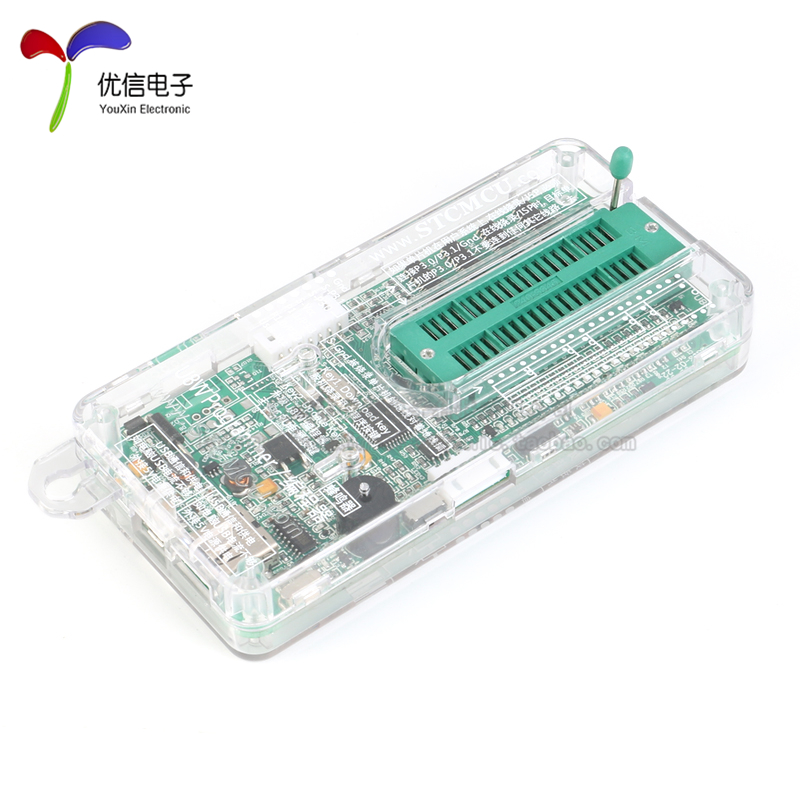 U8W/U8W-Mini使用与常见问题解决
 - stm32使用HAL库配置串口中断收发数据(保姆级教程)
 stm32使用HAL库配置串口中断收发数据(保姆级教程)
 - 分享几个国内免费的ChatGPT镜像网址(亲测有效)
 分享几个国内免费的ChatGPT镜像网址(亲测有效)
 - Allegro16.6差分等长设置及走线总结
 Allegro16.6差分等长设置及走线总结